Save YouTube audio and video on your Mac.
One click from any video. Best quality, playlists you pick from, and no ads or pop-ups, ever. Tapedeck runs on your own computer, so nothing is uploaded anywhere.
$ brew install songbachhoang/tap/tapedeck
Then run tapedeck. Free and open source. Needs Homebrew.
Everything a downloader should do
One click from YouTube
Drag the Tapedeck button to your bookmarks bar. On any video, click it and the download starts.
Best quality
Keep the original audio with no re-encoding, or get MP3, M4A, 1080p MP4 or 4K video. Cover art included.
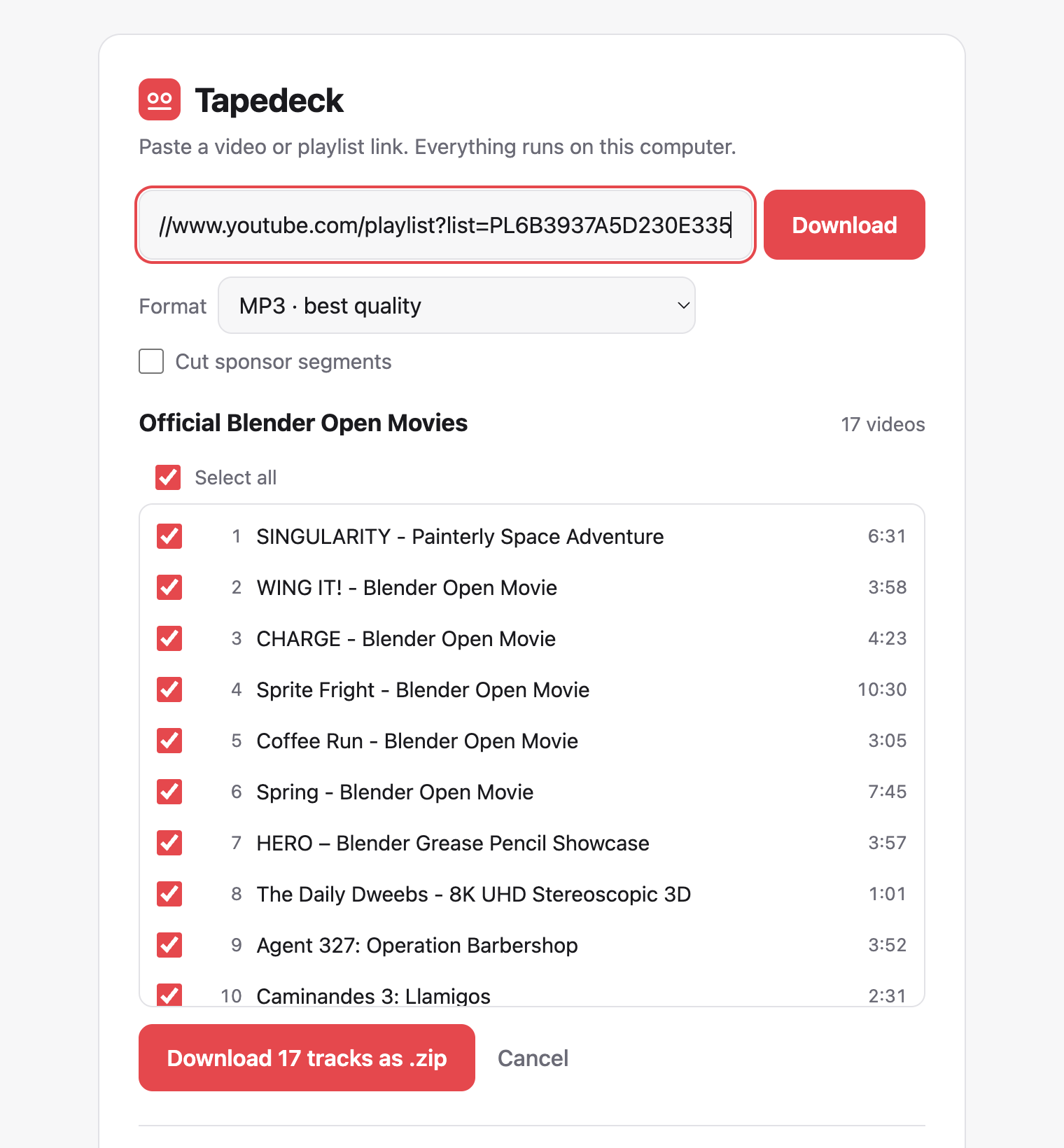
Playlists, your pick
See every track first, tick the ones you want, and get one tidy, numbered .zip.
Fast
Downloads three tracks at once, straight from your own connection.
Keeps working
YouTube changes all the time. Tapedeck updates its download engine, yt-dlp, by itself every day.
Private and open source
No account, no tracking, no uploads. Read every line on GitHub.
How it works
Install
One Homebrew command installs Tapedeck along with ffmpeg and everything else it needs.
Open
Run
tapedeck. It opens in your browser, but everything happens on your Mac.Download
Paste a link or use the one-click button. Your file lands in Downloads.
Questions
Is it free?
Yes. Tapedeck is free and open source under the MIT license.
Why an app and not a website?
Download websites are full of ads and fake buttons, and YouTube blocks them often. Tapedeck downloads from your own connection, so it's clean, fast and reliable.
Does it work on Windows or Linux?
Tapedeck is made for macOS. It runs on Linux with Python, ffmpeg and Deno installed. Windows isn't supported yet.
What can I download?
Download videos you own, that are Creative Commons or public domain, or that you have permission to save. Downloading may be against YouTube's Terms of Service, so use Tapedeck responsibly.